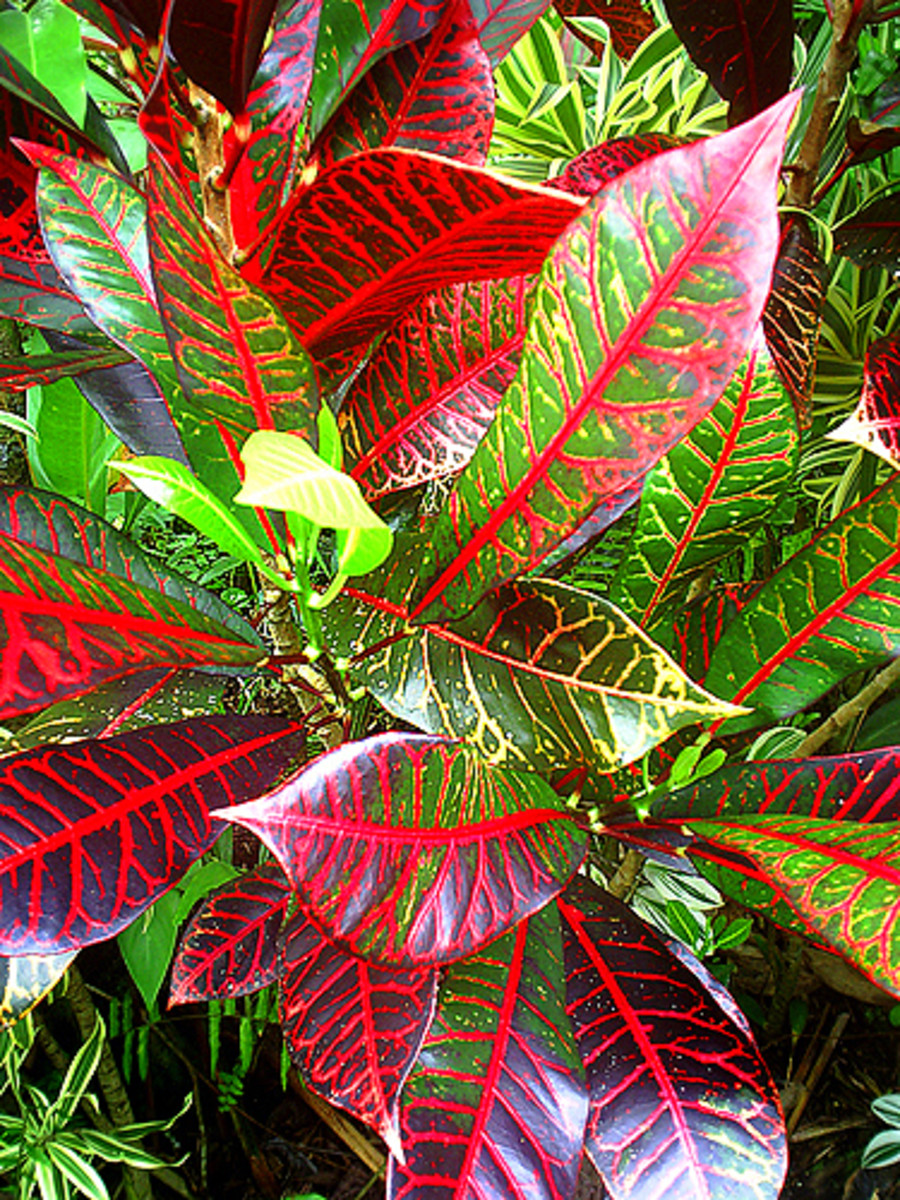
Turn Your Digital Photograph into a Kaleidoscope With Free Photoshop Filter

62

By elayne001

Hawaiian Lei Art  Copyright Ruth Kongaika
See all 12 photos
Hawaiian Lei Art Copyright Ruth Kongaika

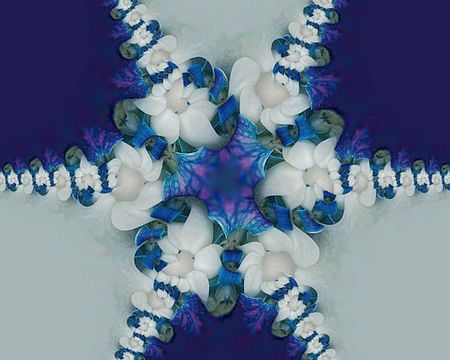
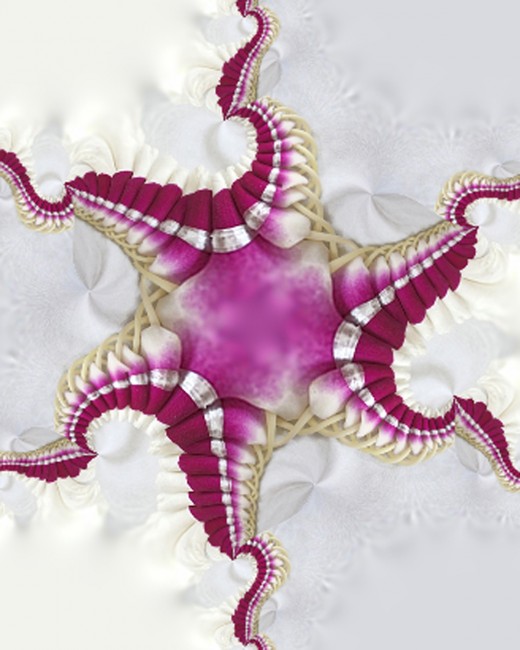
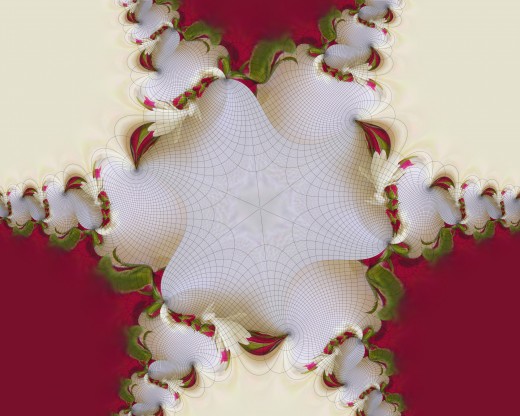
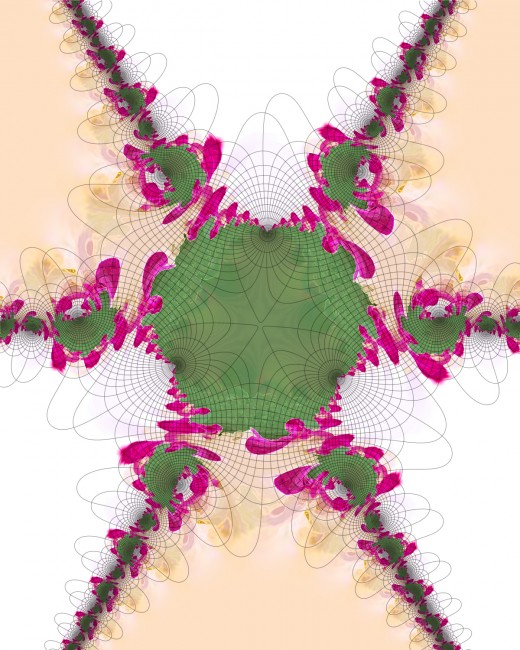
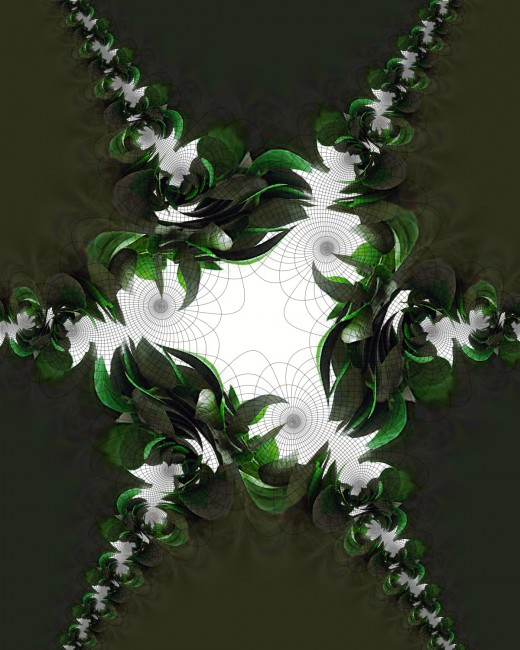
No doubt you played with a kaleidoscope when you were a child. They are mesmerizing as you watch the various little shapes reflecting the the light inside a tube of mirrors. The tumbling colorful objects create beautiful shades and pretty patterns. Now with modern technology, you can take your photographs and create stunning kaleidoscope patterns with them. The Kaleidoscope filter in Photoshop can be used to create unique artwork. Here are a few I created in Photoshop.
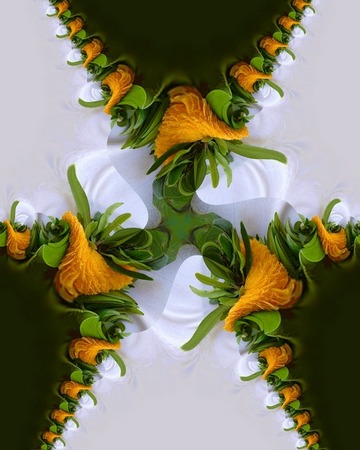
Lei Art Copyright Ruth Kongaika

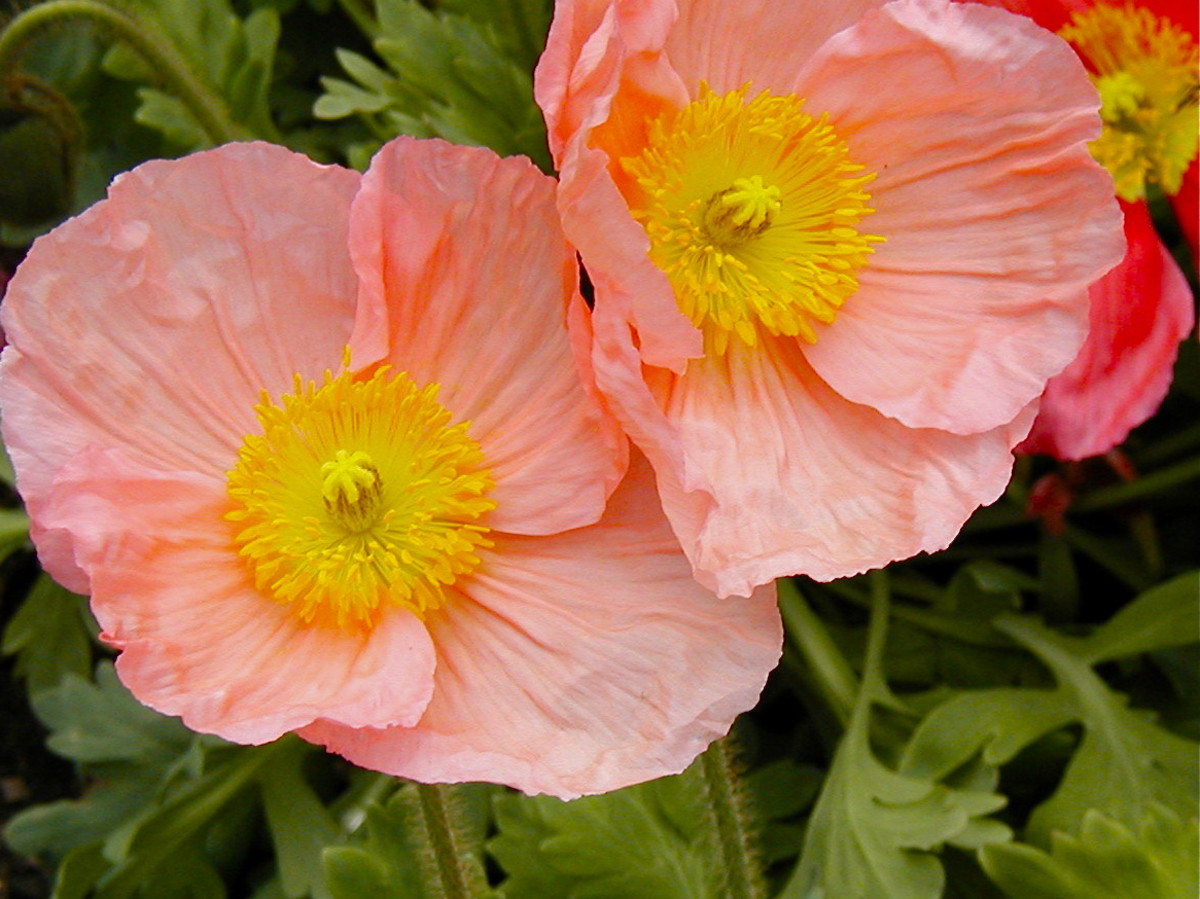
In Hawaii, we have many different kinds of flowers from which we make leis. I took a few pictures of the beautiful leis (they usually do not last very long) and tried the kaleidoscope filter on them. I was quite pleased with the results of the filter on the leis. They make very beautiful and interesting pictures, as you can see. I love the mixture of colors.

There are many free kaleidoscope filters that not only work with Photoshop, but also other imaging editing software like Paint Shop Pro or Sumo Paint. After Effects also has a great kaleidoscope feature to make movies.

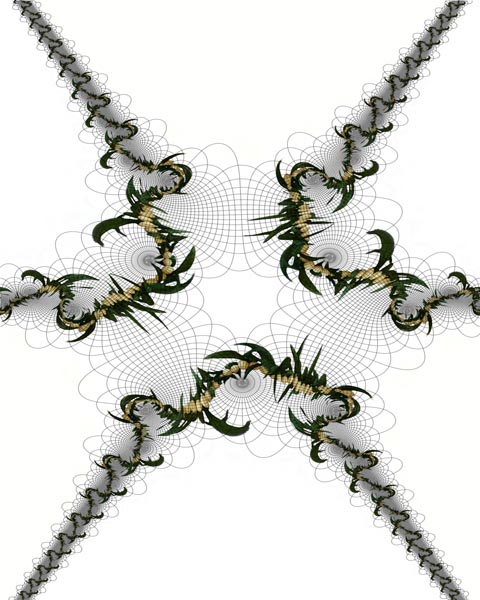
The picture below was a picture of a bonsai tree (small tree grown in Asia). You can actually take a picture of most anything and try it in Photoshop with the kaleidoscope filter.
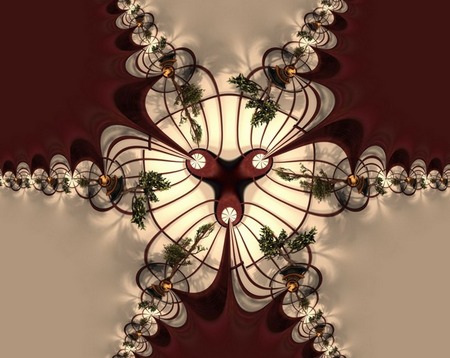
Bansai Tree Kaleidoscope Copyright  Ruth Kongaika
Bansai Tree Kaleidoscope Copyright Ruth Kongaika


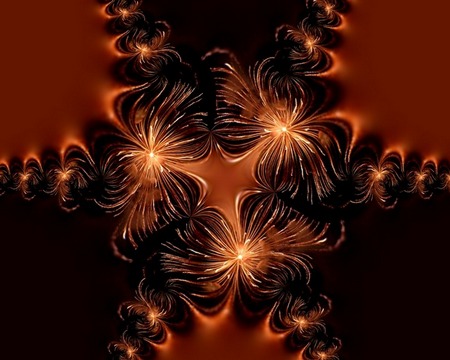
The picture to the right was a shot of some fireworks from the 4th of July celebration. I thought it made a pretty amazing picture in kaleidoscope.

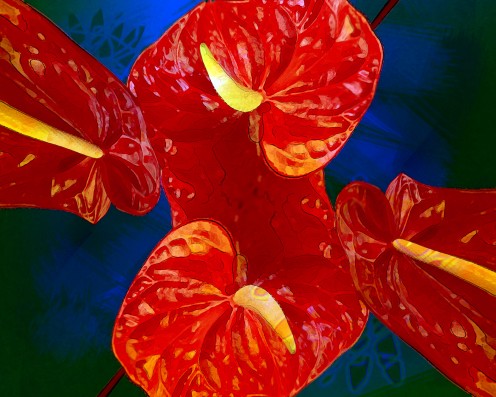
The picture below was a digital photograph of a tropical plant called an anthurium. The flower often looks fake because it has a plastic appearance. It was fun to see it in kaleidoscope also.

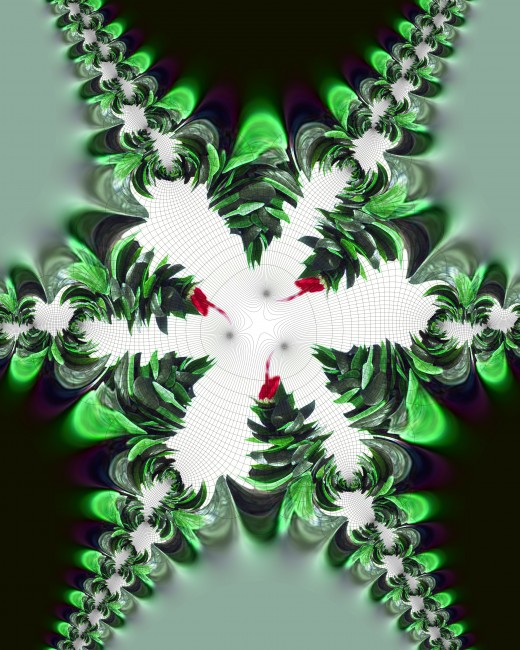
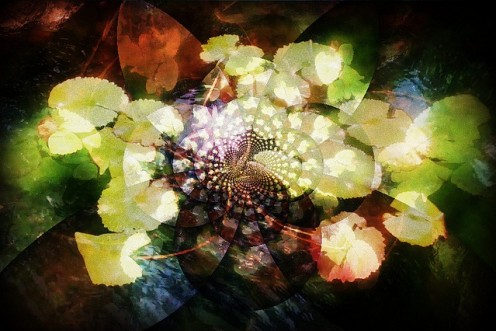
Below is a picture of lily pad in a pond that I took and which I then played around with in Photoshop using the kaleidoscope filter. You have many options to choose from, and I like how this one turned out.
More Lei Art

Click thumbnail to view full-size
Copyright Ruth Kongaika

Great Kaleidoscope Animation

Best Photoshop Filters
Amazon Price: $30.98
List Price: $49.99
Best Photoshop Filters
Amazon Price: $39.99

Comments

Duchess OBlunt profile image

Duchess OBlunt Level 4 Commenter 6 months ago

I'm always amazed at the things that are offered freely. Thanks for sharing this one. Your shots are cool.

elayne001 profile image

elayne001 Hub Author 6 months ago

Yes, Duchess OBlunt, some things really are free - but then you need to have a computer and software to use these, but oh well - it is a lot of fun. Thanks for the complement. Aloha!

Dawn Conklin profile image

Dawn Conklin 6 months ago

This is cool! I have recently got into taking pictures, was not really that into it a few years ago and I am not sure what brought out my photo creativity but it is all good! I have the fx camera on my Droid which is a really neat camera with cool effects-I was addicted to taking pictures in all the different settings. Can you imagine how much I will try this out? I think I know what I am going to do tonight, thank you for sharing!

elayne001 profile image

elayne001 Hub Author 6 months ago

Thanks Dawn Conklin for your positive feedback. I hope you find much pleasure in trying out the fun filters, especially the kaleidoscope one. I would love to see some of your creations. Best of luck.

Pamela99 profile image

Pamela99 Level 7 Commenter 6 months ago

Your photos are beautiful. What a clever idea and free is really nice.

elayne001 profile image

elayne001 Hub Author 6 months ago

Thank you Pamela99. Glad you like them. Free is always nice. Hope you get a chance to use the filters.

doodlebugs profile image

doodlebugs Level 4 Commenter 6 months ago

That's an amazing capability of Photoshop. I'm afraid my older version does not have it though. Perhaps time to upgrade.

elayne001 profile image

elayne001 Hub Author 6 months ago

It is actually a filter that you can download and install into Photoshop doodlebugs. Perhaps you can try that.

Snurre profile image

Snurre Level 4 Commenter 6 months ago

Wow, this filter is amazing! Thanks for posting about it!

elayne001 profile image

elayne001 Hub Author 6 months ago

I agree, Snurre. Photoshop has plenty of great filters that are very useful and fun. Thanks for your comments.

talitz2550 profile image

talitz2550 Level 1 Commenter 6 months ago

Great tutorial Elayne... I must try this filter when I can have a new copy of PS since my PS is in my old lappy which I gave to my daughter. My editor does a similar thing but this one has more amazing results. Excellent article. Keep it up!

Btw... I love your anthurium and lily pad shots!

elayne001 profile image

elayne001 Hub Author 6 months ago

Thanks talitz2550. I guess you will be creating some masterpieces of your own soon. It really is fun to see what you can get out of a simple photograph.

cardelean profile image

cardelean Level 7 Commenter 6 months ago

Very cool pics. Although I do not own any photo editing software, it is on my list of goals for next year. Thanks for sharing this great download. Bookmarking for future use!

elayne001 profile image

elayne001 Hub Author 6 months ago

That is exciting cardelean. Hope you will enjoy your photo editing software as much as I do mine. Aloha!

Submit a Comment
Members and Guests

Sign in or sign up and post using a hubpages account.


    • No HTML is allowed in comments, but URLs will be hyperlinked
    • Comments are not for promoting your Hubs or other sites

    Please wait working